Owners & admins
See programs, registration, payments, operations, and the follow-up work that needs attention.
The VyomOS platform
Bring in families, place players, run sessions, collect fees, keep people informed, and see what needs attention next—without stitching together separate tools.
See VyomOS in action Explore all features
Start with the operating work that is difficult today. Add capability as the academy grows.
The operator view
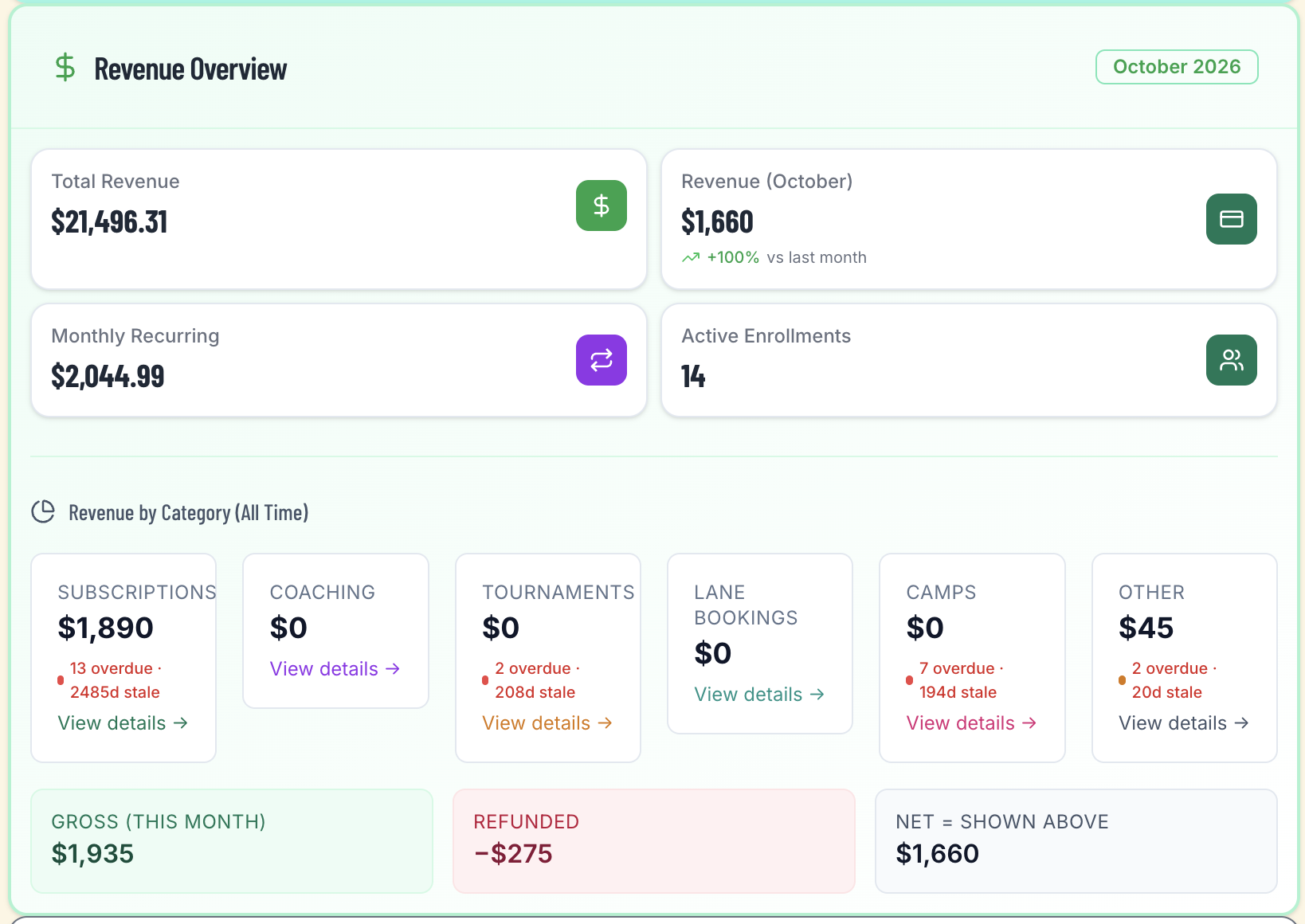
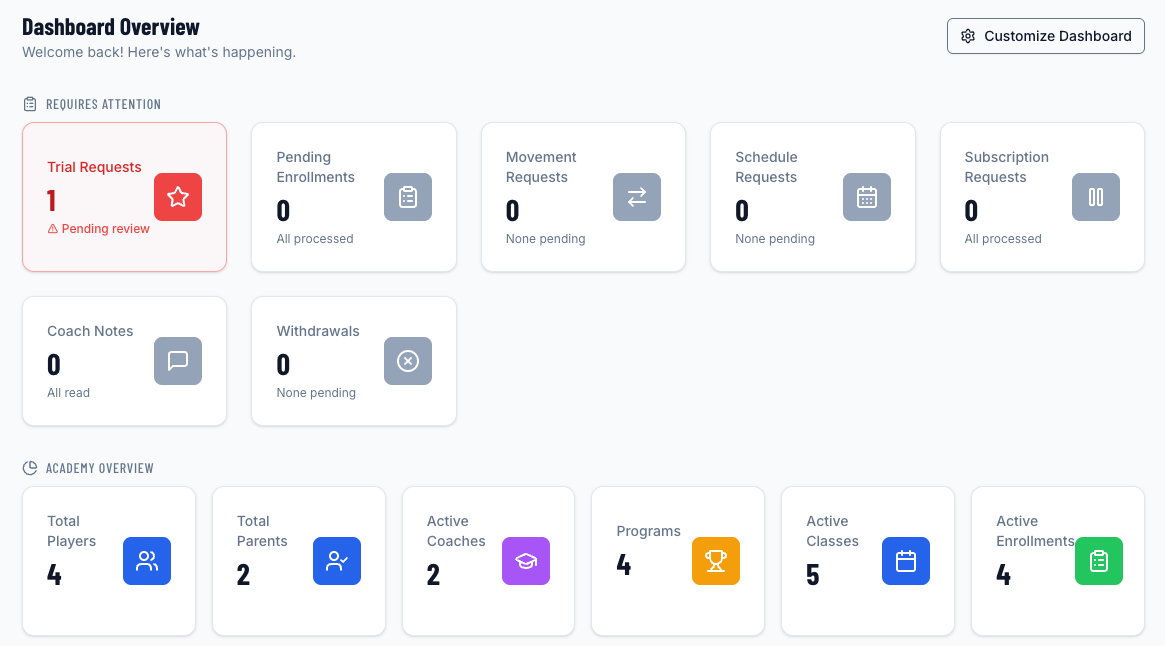
The academy dashboard should help an owner or administrator orient quickly: enrollment, fee activity, session attendance, capacity, and the work still waiting.
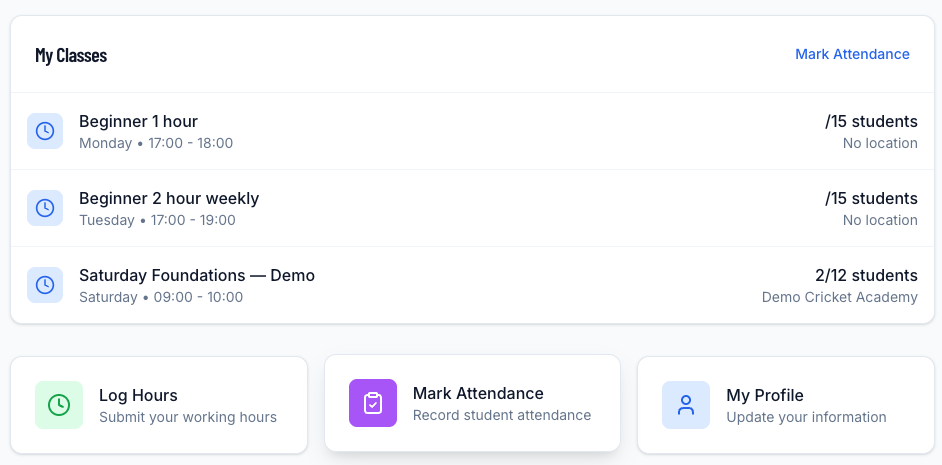
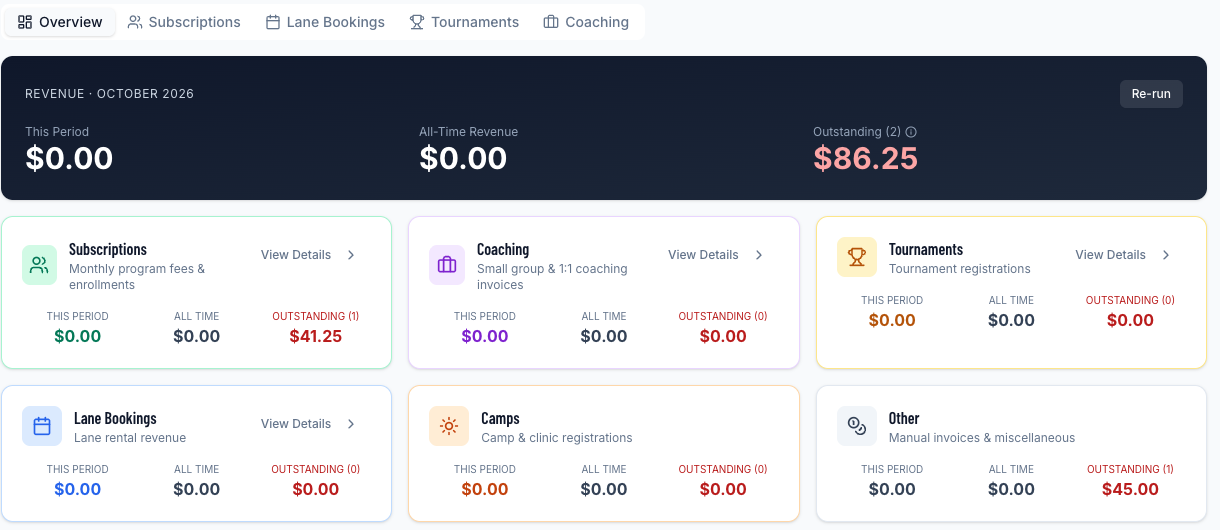
Core workflows
| Workflow | What your team needs to accomplish | What stays connected |
|---|---|---|
| Families & players | Keep the right information together from first enquiry onward. | Parent, player, program, payment, communication, and participation context. |
| Programs & registration | Create programs, place players, manage groups, and track participation. | Capacity, schedule, coach, family, payment, and attendance context. |
| Schedules & attendance | Run classes and sessions with fewer manual updates. | Teams, coaches, facilities, participants, attendance, and changes. |
| Fees & billing | Manage recurring plans, invoices, history, and balances with clarity. | Family, enrolment, payment method, invoice, and communication history. |
| Communication | Reach the people affected by an update without rebuilding distribution lists. | Location, program, team, class, customer, parent, or player group. |
| Reporting | Understand the health of the operation without assembling manual reports. | Revenue, enrolment, attendance, capacity, utilization, and trends. |
Designed for every role
Permissioned access lets each role act on the right information while the academy keeps one connected record.
See programs, registration, payments, operations, and the follow-up work that needs attention.

Work from current classes, player context, attendance, feedback, teams, and schedules.

Handle assigned operations, schedules, shifts, and day-to-day responsibilities with controlled access.
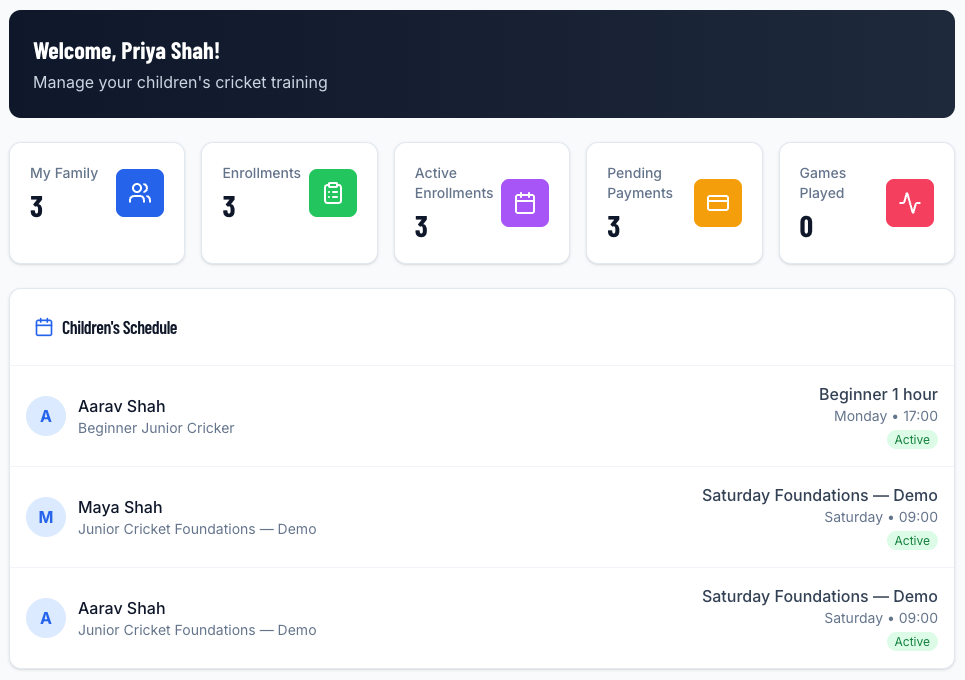
Find schedules, bookings, billing, announcements, and the information relevant to their family.

Stay close to programs, teams, schedules, attendance, and development activity.
Move from early interest to the right trial, conversation, and program pathway.